
De-Googling: Replacing Google Search with Kagi
A few weeks ago my main Google account was blocked by Google without any reason provided or a way to reclaim it. At its scale, Google probably uses various automated signals and AI to ban accounts and by mistake can easily close yours. I was already slowly “de-googling” things, but this incident made it a higher priority all of a sudden. You see, I don’t want to lose access to my files or emails because of some blackbox automated process. There are many tools that I ditched in the last month: Drive and Photos are the main ones. Last week I also stopped using Google search too.
What’s the problem of Google Search you may ask? The problem with Google Search is that its users, i.e. people using Google to find information on the Internet, are not its customers. It is the advertisers that pay Google for their service of positioning the ads. And so, search results provided by Google must first and foremost benefit the advertisers, with the user experience being a secondary matter. This is nothing new. The problem has been anticipated by Google creators Sergey Brin and Lawrence Page in their 1998 paper:
The goals of the advertising business model do not always correspond to providing quality search to users. (…) we expect that advertising funded search engines will be inherently biased towards the advertisers and away from the needs of the consumers.
Ok, this is clear, what are the alternatives then? For some time I used DuckDuckGo, but every now and then it couldn’t find what I was looking for, and I had to use Google as a fallback.
I heard about Kagi many times, but never used it, and recently my manager mentioned it once again, so I decided to give it a try. Since then, Kagi has improved my web searching experience by offering great results and being privacy-friendly by default.
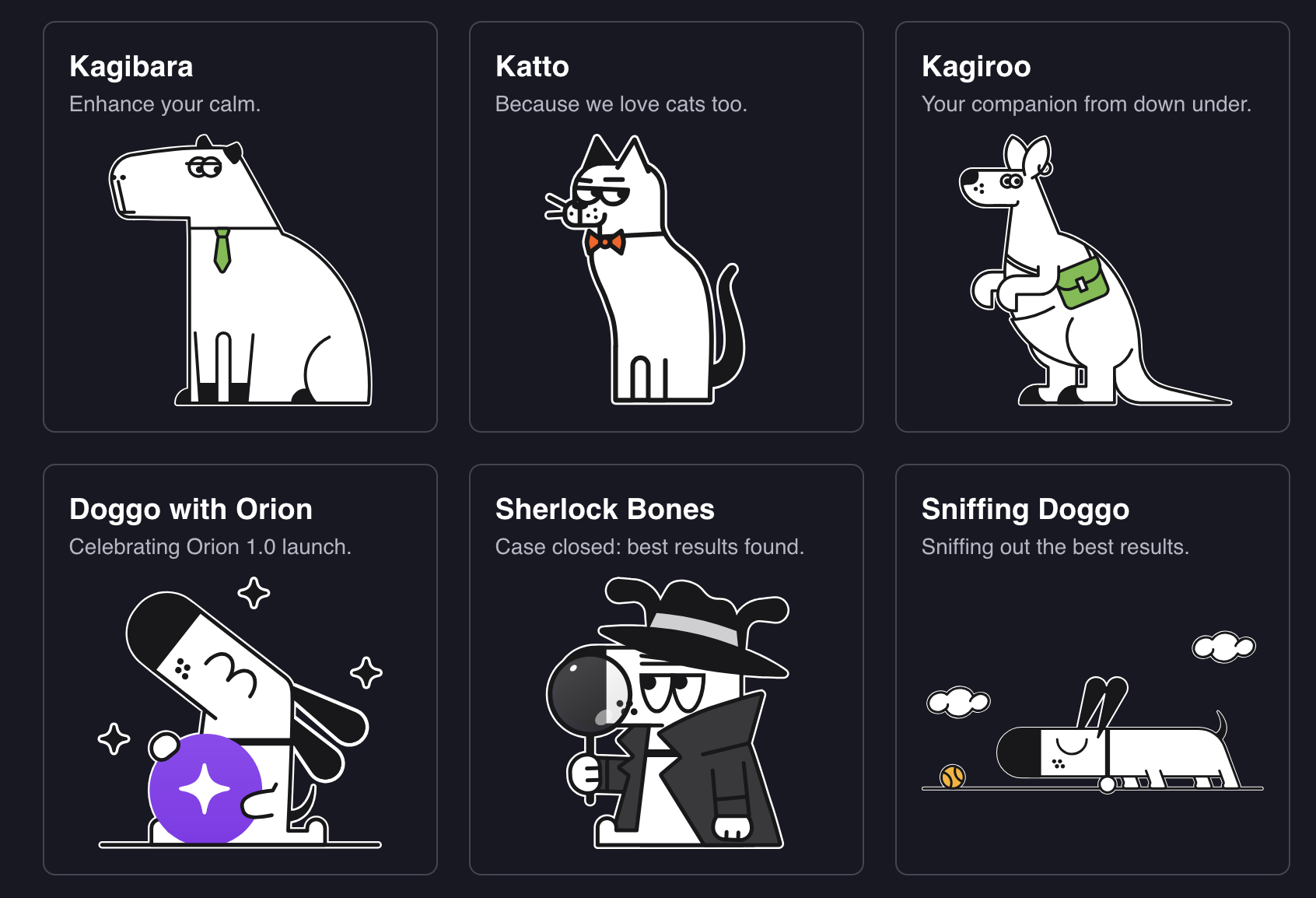
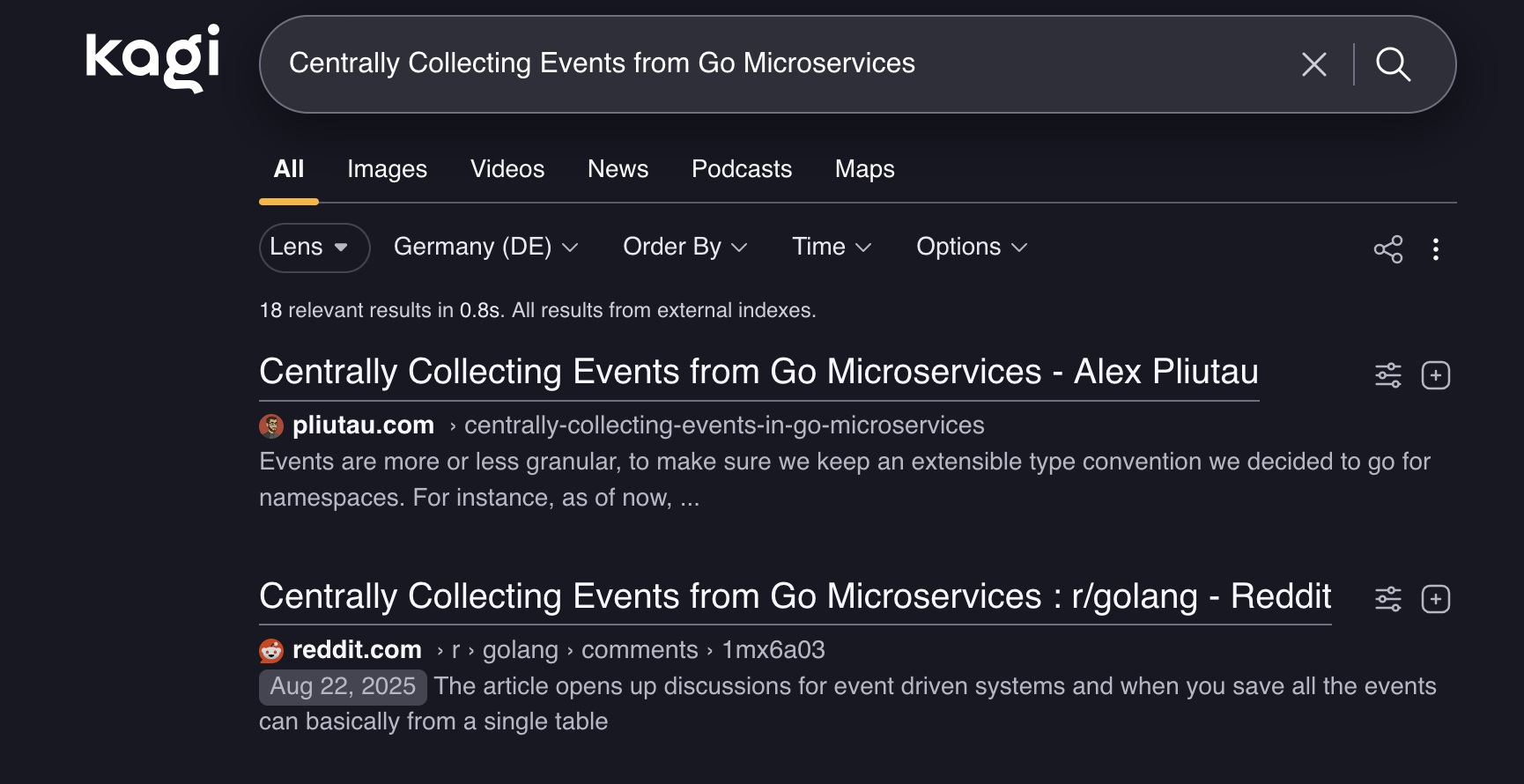
For the most part, Kagi reminds me of early 2000s Google — a clutter-free, result-first experience. I got used to scrolling past the first three or four results on Google, since most of the time they were ads. I don’t have to do it anymore in Kagi, if my search query was clear enough, I would usually click on the first result.
As a developer, I love to customize things so they work the way I want them to. Certain websites I just do not want to visit, like content farms. For Google, that required an addon. With Kagi, that feature is built-in.
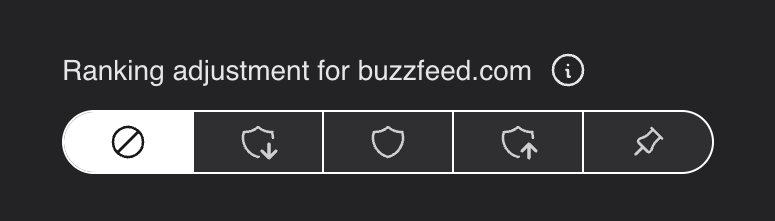
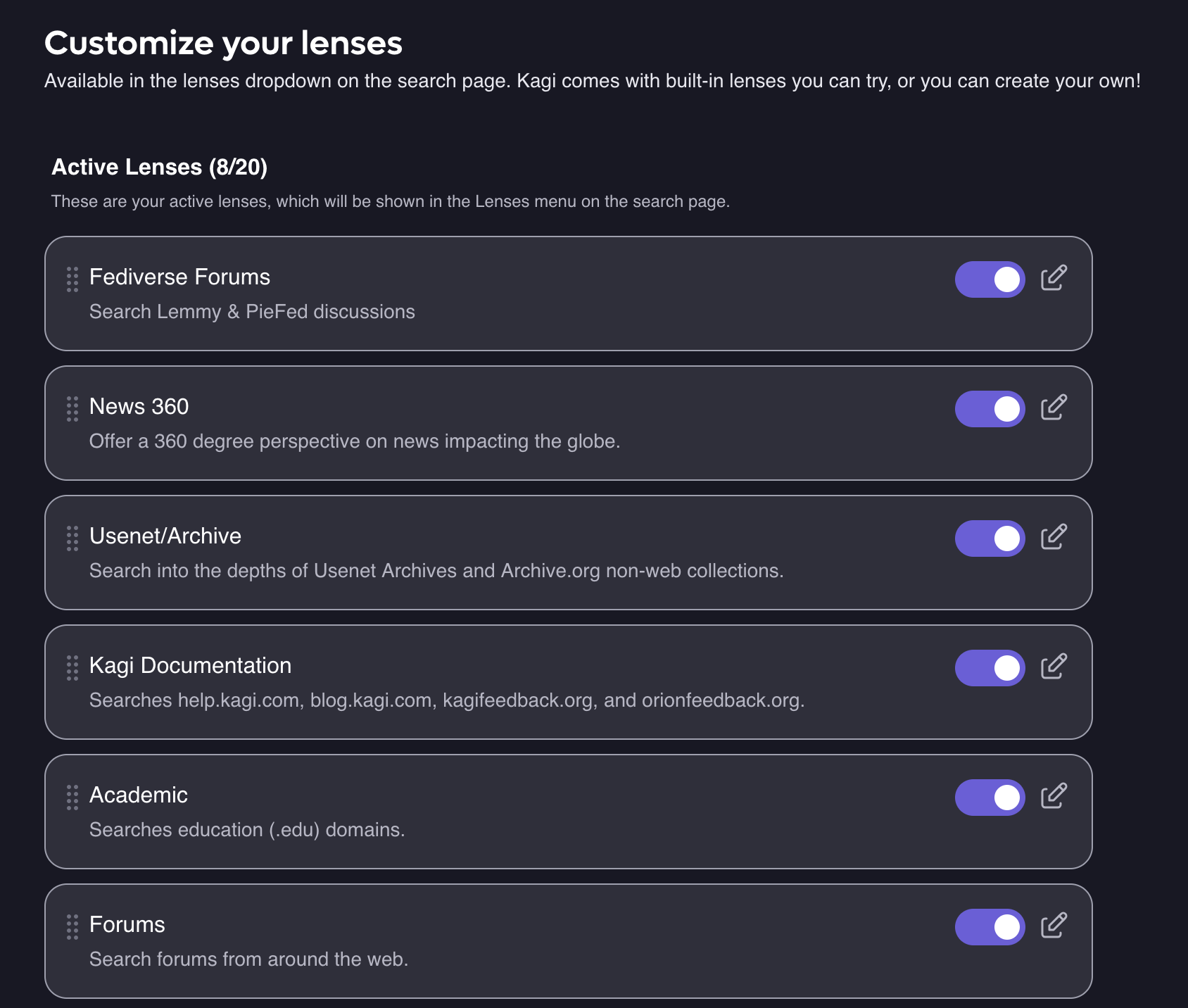
I can also change the prominence of certain pages to appear higher or lower in the results. Kagi offers lenses, which can be though of as a predefined set of filters. For example, there’s an academic lens that will search for results on web pages related to science and academia. There are a bunch of others, for example usenet archives, fediverse forums, programming or recipes.
One kind of lens that deserves a special mention is the Small Web. This is Kagi’s initiative to promote personal websites and blogs (like the one you are reading now), as they can be a great source of original opinions and knowledge.
The lenses are also customizable.
As any tool nowadays, Kagi has an AI feature, which I disabled right away, as I simply don’t need it in the search agent, I would rather go to Chat GPT directly if I need one.
Now, Kagi is a paid service. I used the free 100 searches first, but this was definitely not enough. I was trying to “avoid” searching not to go above the limit.
Kagi offers several subscription plans. I started with 5 USD per month and then upgraded to 10 which is more than enough for what I need. May seem like a lot, but the search experience finally aligns with my needs: privacy, clean results.